Showing posts with label CGA Visual Design. Show all posts

Sunday, 3 April 2016

CGA Visual Design - Sci-Fi Ship

So for Home work we had to come up with an idea of a sci-fi military ship that is believable and is set in the next 100 years.

MoodBoard:


I have done quite a few concepts, I went back to looking at form language when we had to do quick sketches and concepts for sci-fi digging/construction machine/ vehicles and looked at things flow with each other and what changes would suit each other which I then combined together.
 I chose the 2 that I liked the most, and after I looked at which would be the most easiest to 3D model and would look best when it was finished... personally I think both would have looked really cool with a finished 3D model. In the end I decided to choose number 1 because it is almost has  perfectly round semi circles or square shapes which can be easily done in Maya 2016.


I then went on to quickly tidy up the sketch and do a top and back view to help me when modelling it.


After Modelling it, I then did 9 normal renders from different angles... just experimenting and exploring the best view I could have it in.

After I did 4 more renders but this time I had a light source to bring out some of the areas better giving it more depth and detail.


I narrowed it down to 3 which I thought was the best. I wanted one which has the view on almost everything and the would which would be the coolest so I chose the first one.


I did some quick colour schemes and added some textures onto them. I wanted an idea of the ship that's already been out in battle so I put a texture on which had quite a few scratches on a metal.
To give more impact to a certain area, I have also put a kind of dent texture on as well. I have also out on some rust texture to make it look like it's been out there for quite some time.


When I was experimenting with different colours to find which one I liked the most, I kind of added different bits and pieces of detail for each one to give out more characteristic while also trying to match the colour or it was just to change things up a little bit.


Final:
In the end I liked the green one over all because the colour stands out far better than the others and I felt like it has much more of a impact. Over all I am happy with the final piece, although I could do something between the contrast of the ship and earth as it looks like it doesn't quite fit each other. The 3D model was roughly the same as what I had planned it to be but changed a few things to put and such.


Monday, 14 March 2016

CGA Visual Design Week 23 - Brush Technique and Speedpaint

At the start of the lesson we watched part of a video explaining the use of opacity and flow in Photoshop.

Link (short 5 minute section at 36m21 secs of this Bobby Chiu videohttps://www.youtube.com/watch?v=TPoiJ6D_RD4

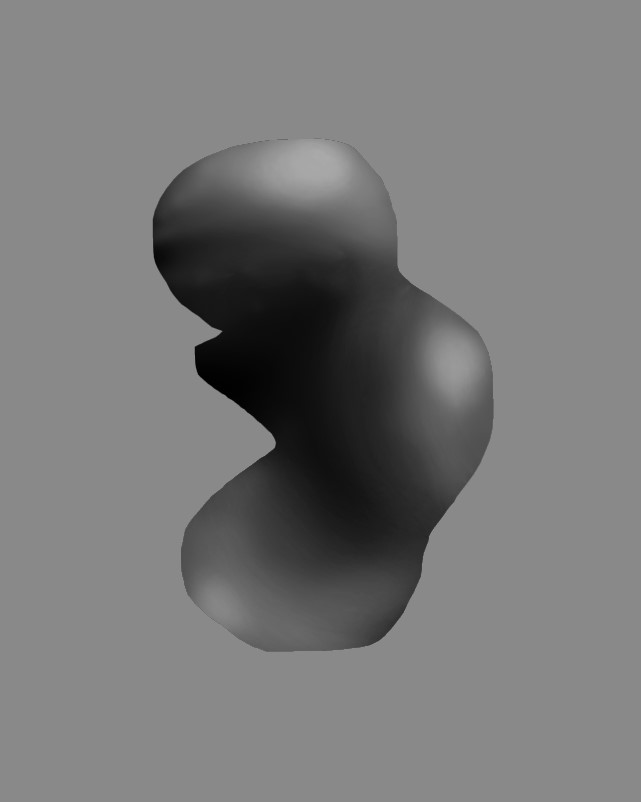
So we were given a blob and was were suggested to use a soft round pressure brush with a low opacity and flow setting around 30% and 20%.

 Original blob:


Finished blob. As well as using a low opacity and flow, we were also suggested to use 50% grey.


Next we moved onto some speed painting.

Original Image of whalekid:


Final:
Overall I am quite happy with the out come but some of the shading I have done is not the best that i could have done. Not everything really blends in and I feel like the contrast between the light and dark areas are very distorted and doesn't quite look right. 


Monday, 7 March 2016

CGA Visual Design Week 22 - Form Language

For the start of the lesson we watched a video on form language and how it is created and how it is used in painting and such to create the flow with in the piece of work so it doesn't create a disequilibrium.


So during lesson we had to create design sketches for a sci-fi digging/ construction machine/ vehicle using 2 different form languages:

1) Angular geometric shapes and Lines
2) round geometric shapes and lines.


Friday, 4 March 2016

CGA Visual Design - Tree


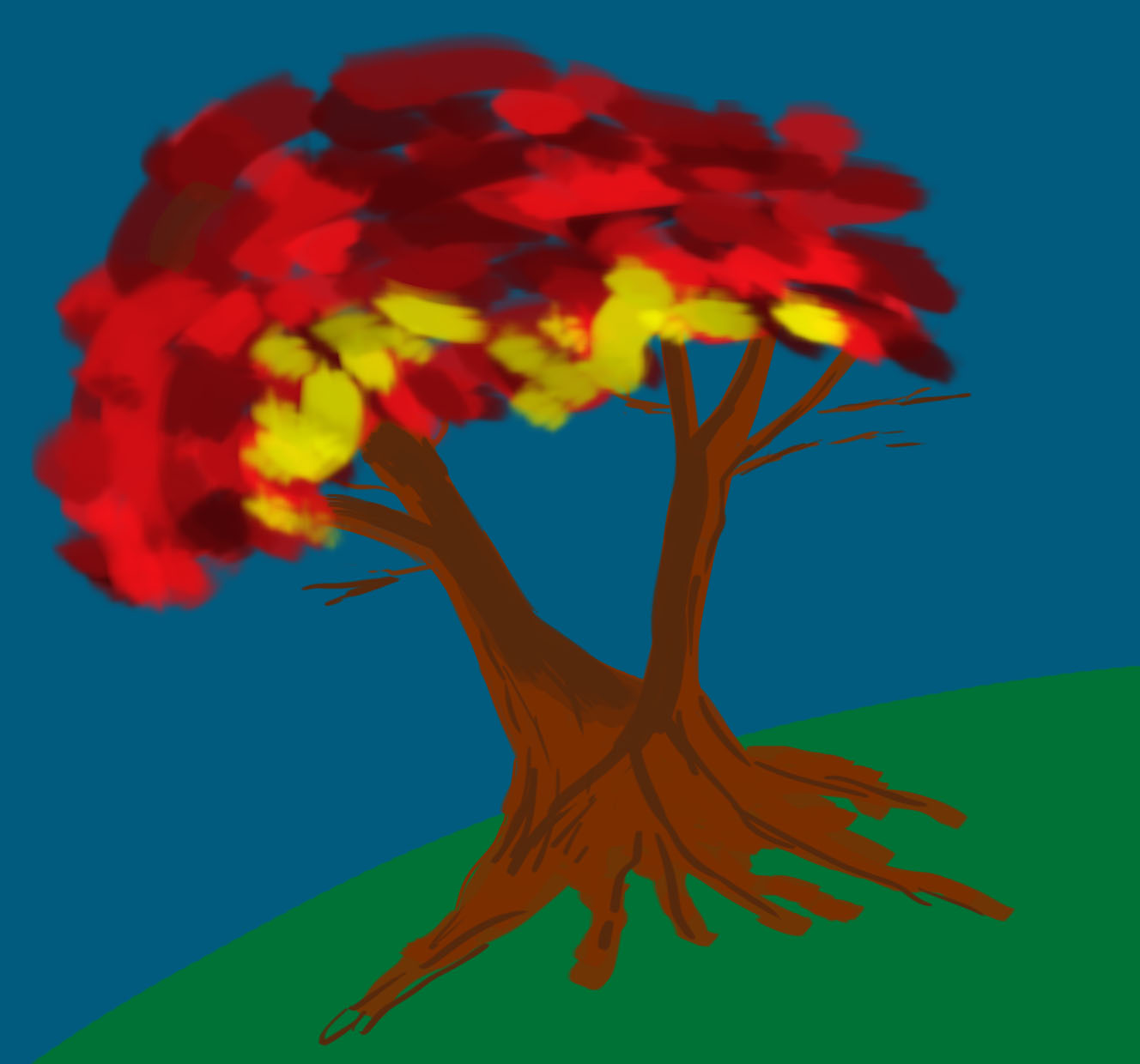
For additional work we had to do a painting or a tree with character, something that defines the tree so not like a tree with a face on it although I would like to do one which I may.

I first got a mood board of some trees, was looking more at how the branches form and expand out more than the type of tree they were but I did also take the type of tree into consideration and looked researched them more.


I first did some doodles of some plants or tree depending on how you would look at it just for fun.


 I then moved it onto some quick concept art , nothing was official and I wanted to get ideas out of my head. I was mainly looking at brush techniques and the kind of style I want to use to paint my final tree.


So for my tree I kinda knew what I wanted it to look like so I started off by sketching out the outline.


I then just roughly colour in my tree and added in the background, at this point the ground where the tree is on didn't matter too much to me although being a important aspect to the painting. I wanted to make sure it suited the trees characteristics.


After adding the background and colouring it in a bit, I then added the ground or dirt as well as starting with the leaves of the tree.


I then continued to add more depth and detail to the tree trunk and leaves.


After finishing painting in the trees I then added some grass to it.


Then added some lighting and shadows to finish it off.


After finishing my painting I added a Panda! ,because why not?


After getting some feed back from some friends, I changed the grass which I was planning to do some time anyway. So instead of using a brush which made things easy in the first place but it was within a set colour range which I couldn't choose., I wanted to paint some grass for practice using different tones of green which looks much more better.


Monday, 29 February 2016

CGA Visual Design Week 21 - Composition

At the start of the lesson we watched a video on understanding composition and learning the different ways to catch the viewers eyes by looking at the Focus Point, Structure and Balance.

Link below:

So after watching this video we provided a image of a house and using that image and the knowledge we have gained from the video, we then had to implement it in our own way.

Original Image :

So for the image we used the rule of thirds structure for our painting and is started of quickly and neatly blocking parts in.


Finished painting things in.


 Then added some lighting.


I didn't move things around too drastically or enlarge or de-scale things either which doesn't bring out my creative skill such as having the house maybe top right scaled down and having the cactus on the right but enlarged. Although I may come back to it and do it that way.

Example:


Friday, 26 February 2016

CGA Visual Design Week 20 - Yoda!

So today we were given Yoda and a colour wheel.


For this Yoda we had to use desaturated Complementary colour scheme ( Using 2 colours that are opposite each other on the colour wheel). So I chose the light blue and the darkest orange using on the desaturated colours.


For the second Yoda we had to use saturated Analogous colour scheme (a group of colours next to each other on the colour wheel) So I chose from the lightest green to the lightest orange on the colour wheel, using medium saturation  but varying  it a bit to get some harder parts in.


Wednesday, 24 February 2016

CGA Visual Design - Insectoid 3 Quarter View Part 2

A purple mantis with a slight mutation to it?

When I first started the 3 quarter view drawing, I got very frustrated simply because I did quite a complicated design for my insectoid and I never really properly before done a drawing/painting in a 3 quarter view but all the struggle was worth it in the end. 

I spent a good few hours or so trying to get the body parts in the right proportion and how it would look, using the model sheet did help me to a certain extent but I still struggled quite a bit when I first drew it out, it looked quite flat and nothing really stuck out.  In the end I am quite happy with the outcome but not the best .


A warrior known for it's skill to assassinate others species as it pleases for the enjoyment of killing. It's species don't have a kingdom nor travel in packs but individually. They can be hired as assassins to kill, the harder the kill, the more exciting it gets.


While looking at my bug, it kind of reminded me of General Grievous from Star Wars, maybe because my bug as four arms so I some what resembled my bug to Grievous. So after finishing my bug I decided to do something Star War themed.